

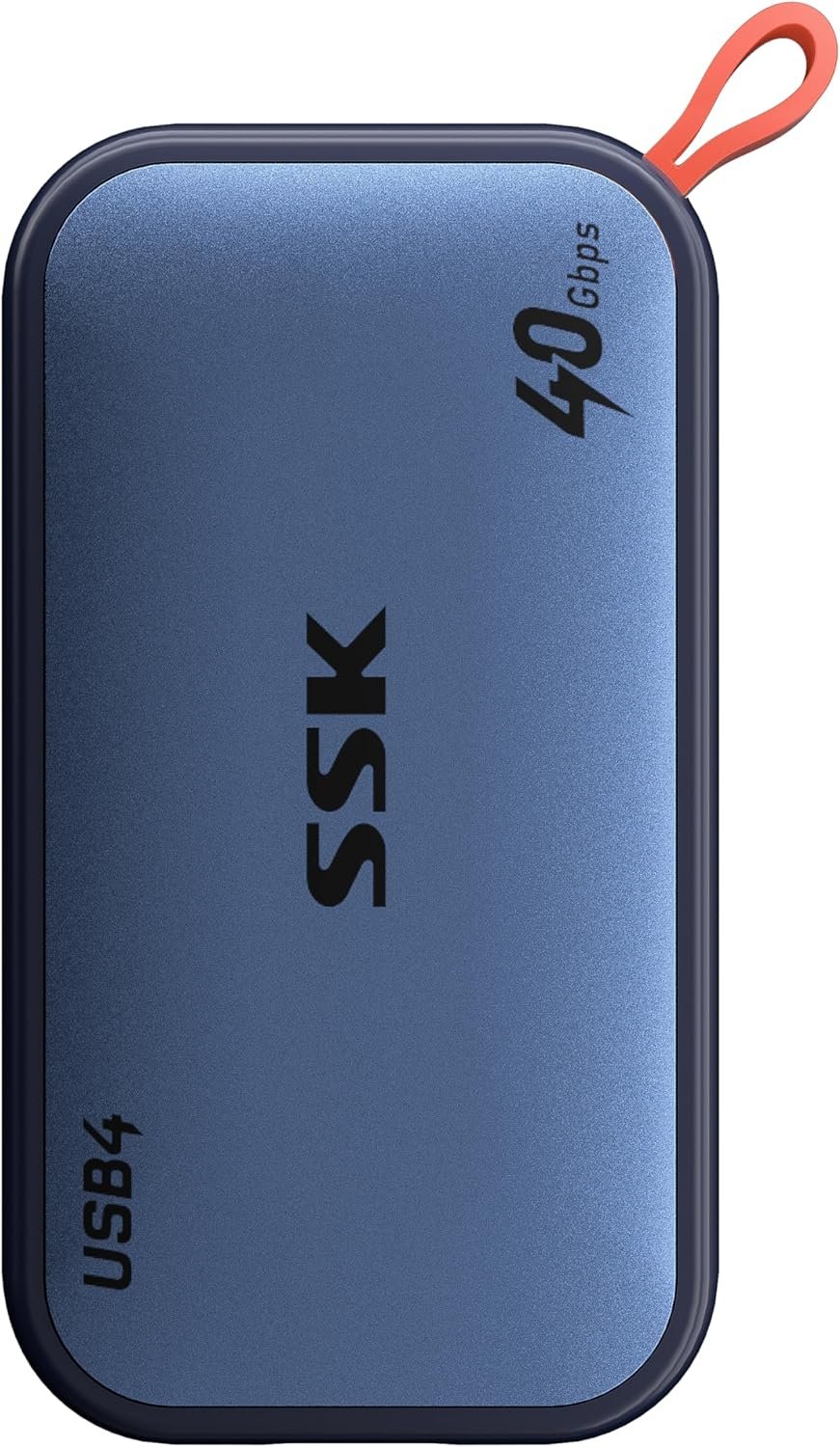

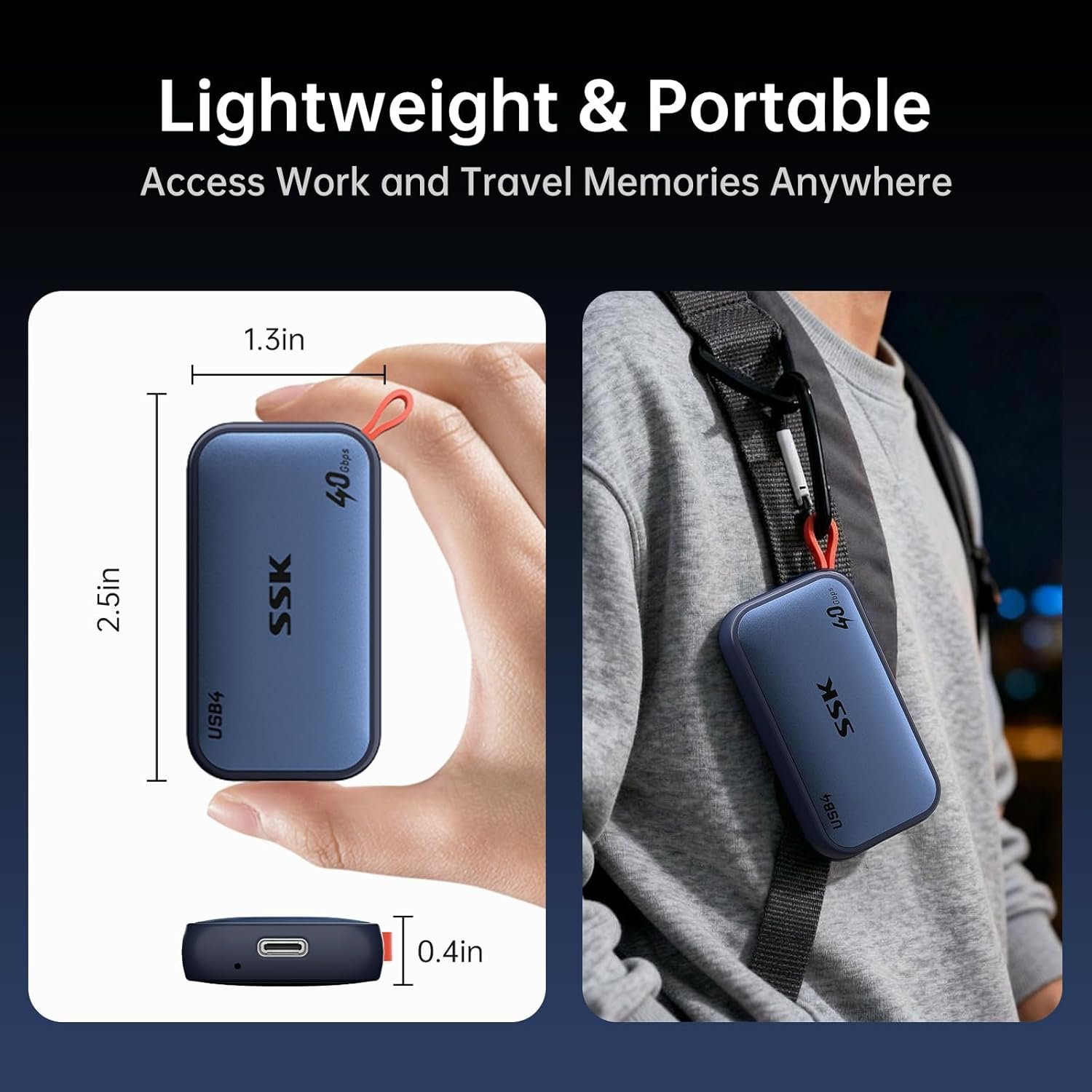

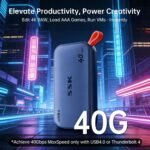







SSK 4TB USB4 SSD External Hard Drive 40Gbps, External SSD for Thunderbolt 4 up to 4000MB/s, Portable Solid State Drives for iPhone 15/16/17 Pro, Mac, Laptop, Phone OTG, with LED Indicator
$429.99
Price: $429.99
(as of May 04, 2026 09:33:05 UTC – Details)
Product description

Full 4TB Massive Storage Capacity: 4TB SSD external hard drive displays as 3815GB on Windows and full 4TB on macOS. This variation in displayed capacity comes from calculation differences where Windows counts 1GB as 1024MB while SSD systems count 1000MB

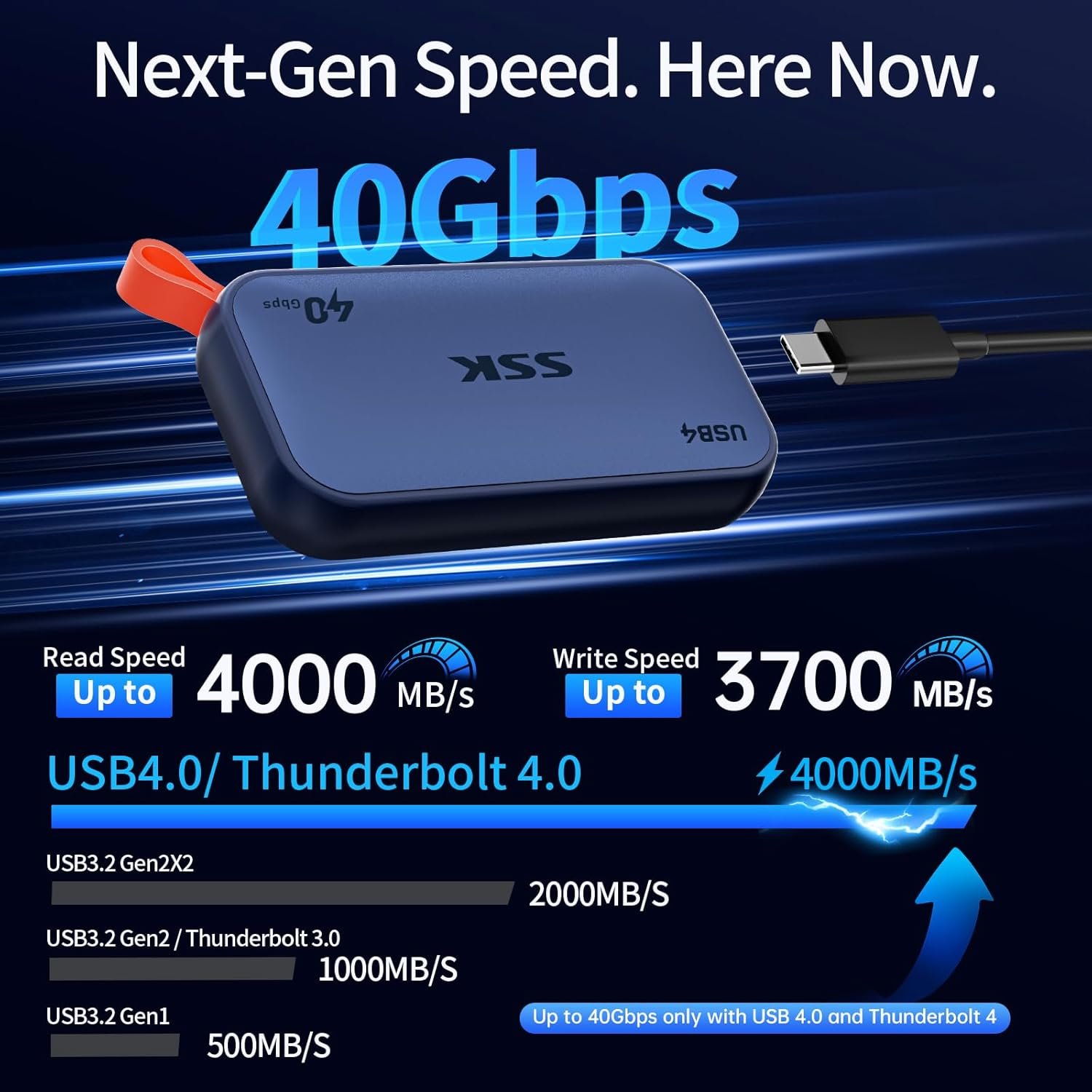
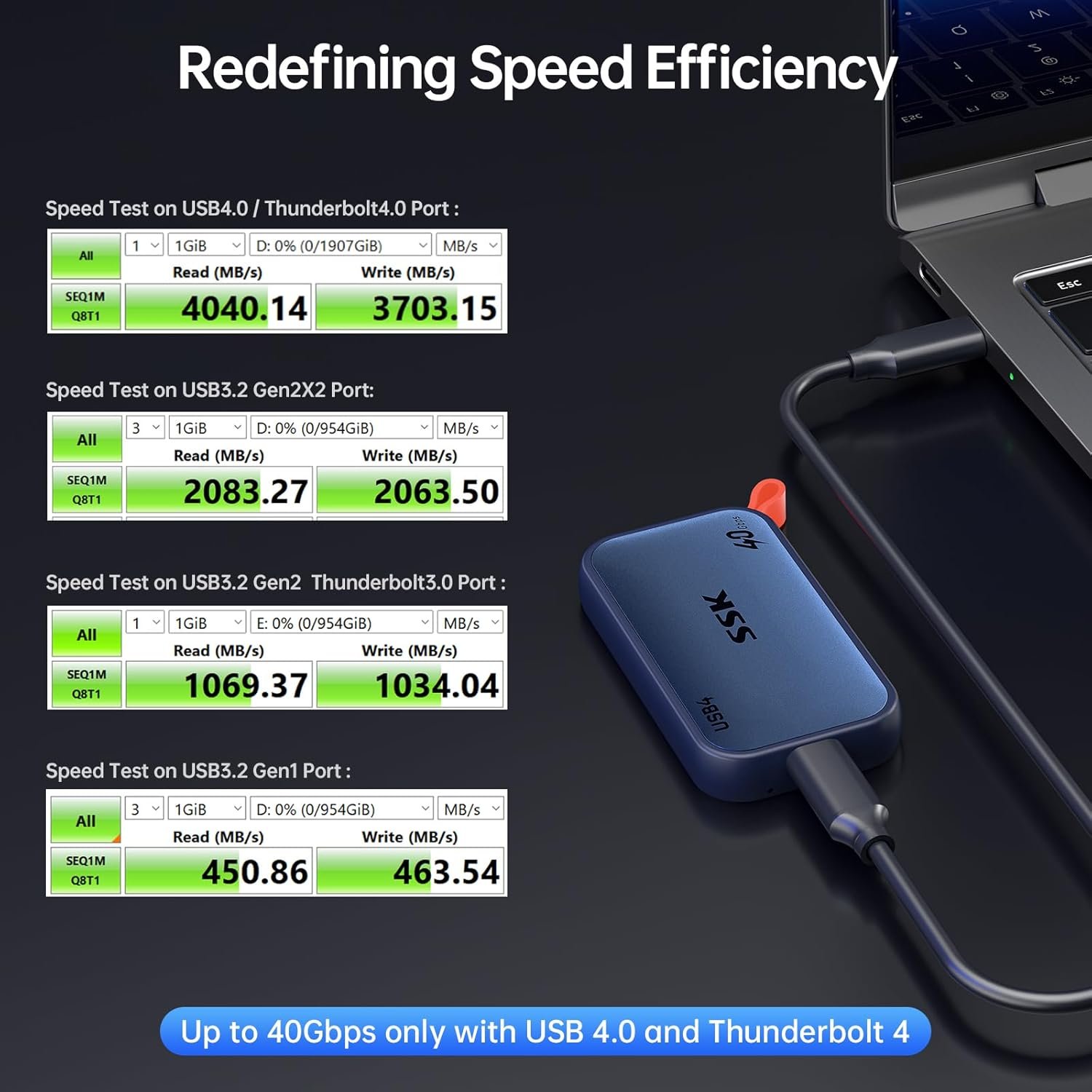
Ensure all components in the entire connection chain, including the port and cable, support Thunderbolt4 or USB4 protocol to achieve the ideal speed.


The above test speeds, measured by CrystalDiskMark, represent external ssd peak hardware performance. Only Thunderbolt4/USB4 support 40Gbps.

Supports OTG function for seamless mobile connectivity and iPhone ProRes. ProRes is Apple’s high‑quality video format introduced for iPhone 15 Pro and later models. With this external SSD, you can record ProRes video files directly to the drive without consuming internal storage

To prevent data loss and drive damage, always eject the SSD safely before unplugging. Complete all active transfers before disconnection. Never unplug the external ssd drive during transfers!


1 iPhone Photos
2 iPhone ProRes
3 IOS Files
4 Android Steps
Why doesn’t real file transfer speed reach 4000MB/s?
Software test speeds represent peak hardware performance, transfer depends on host, interface, protocol, file size, and usage. Copying many small files slows down. Sustained write speed usually reaches about 60% of test results (≈2500–3000MB/s)
Why is it necessary to safely eject the drive after use?
Unplugging during transfer risks data loss or drive damage. Always eject safely before unplugging. On Windows: click “Safely Remove Hardware” in the system tray. On macOS: right‑click the drive icon on the desktop and select “Eject [Drive Name].”
How can I use the SSD with an iPhone?
Connect via USB‑C, open the “Files” app manually, and the SSD will appear in the “Browse” page. then you can transfer files in “Files” APP or picture and video in “Photos” APP. Lightning iPhones are not supported.
How can I record ProRes video directly to the SSD?
ProRes, Apple’s high‑quality video format for iPhone 15 Pro+, lets you record directly to this SSD without using internal storage. Enable ProRes in Settings→Camera→Formats, connect SSD via USB‑C, then open Camera and select ProRes to start recording
How can an Android phone connect to the SSD for file transfer?
Once connected via USB‑C, the SSD will appear in your file manager, allowing you to copy, move, or back up files directly. Enable OTG (On‑The‑Go) function in your phone’s Settings if not automatically activated.
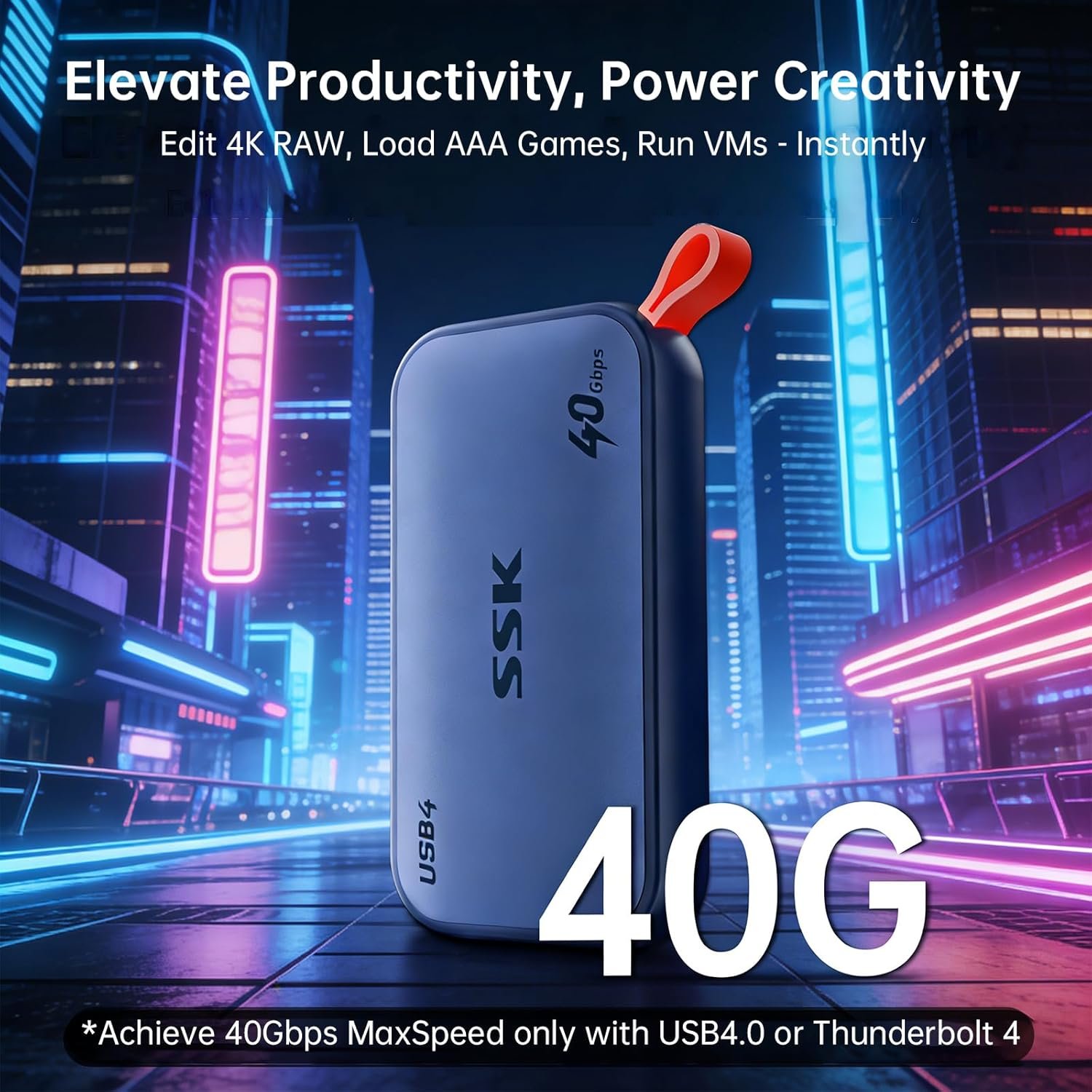
Next Gen 40Gbps: Instantly view edit massive files with external ssd read up to 4000MB/s and write up to 3700MB/s – External ssd for thunderbolt 4 speed tested on CrystalDiskMark, file transfer speed vary by capacity, file size, system condition, and number of files
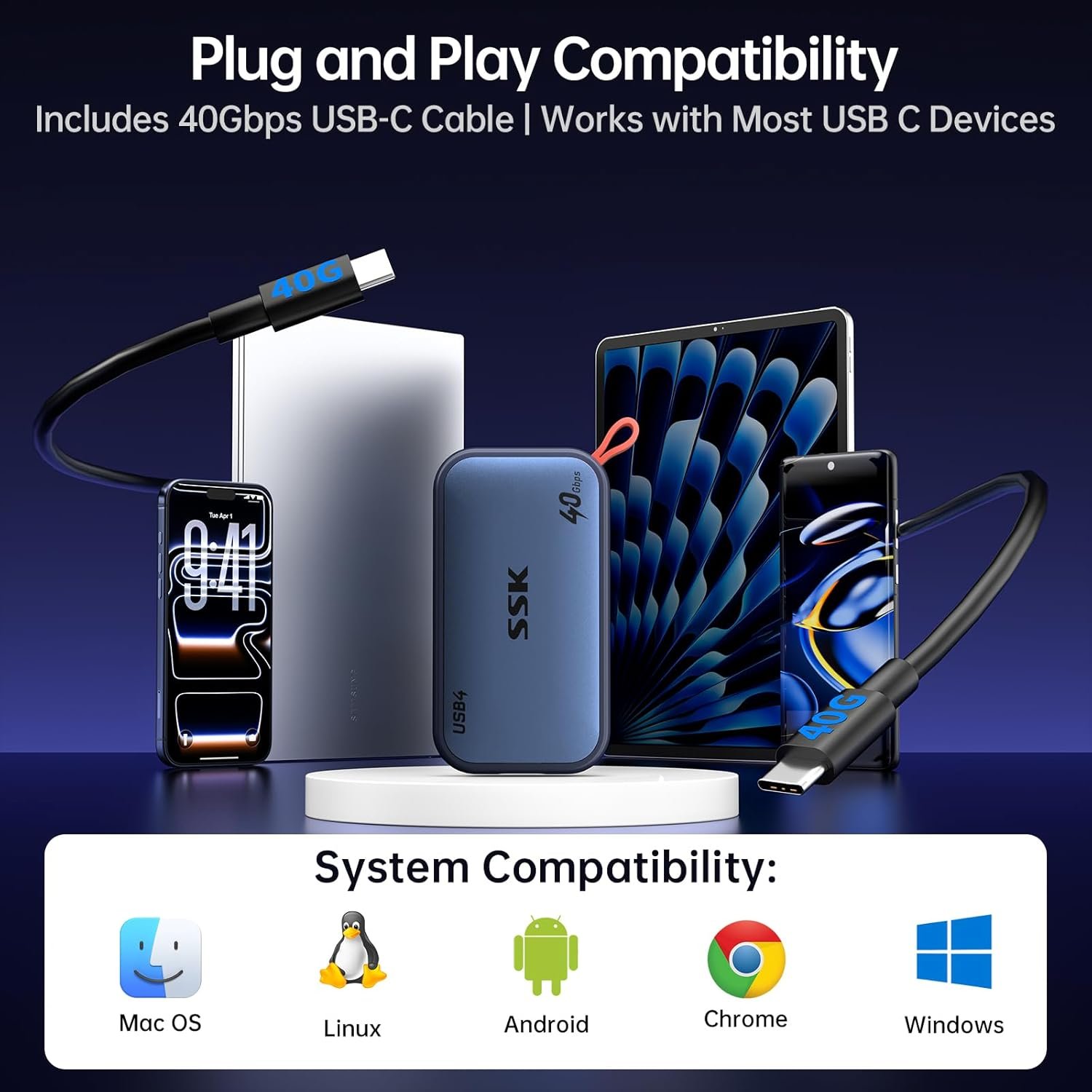
Thunderbolt 4 & USB4: 4tb external ssd fully compatible with both protocols to unlock next‑gen connectivity. Ensure your device’s port and cable meet the same high standards for thunderbolt 4 ssd ideal speed
USB4 Cable 40Gbps: USB4 ssd external includes 40Gbps USB-C cable for universal compatibility. 4tb ssd external Plug-and-play file transfers across computers, phones, gaming consoles, and tablets with USB C port
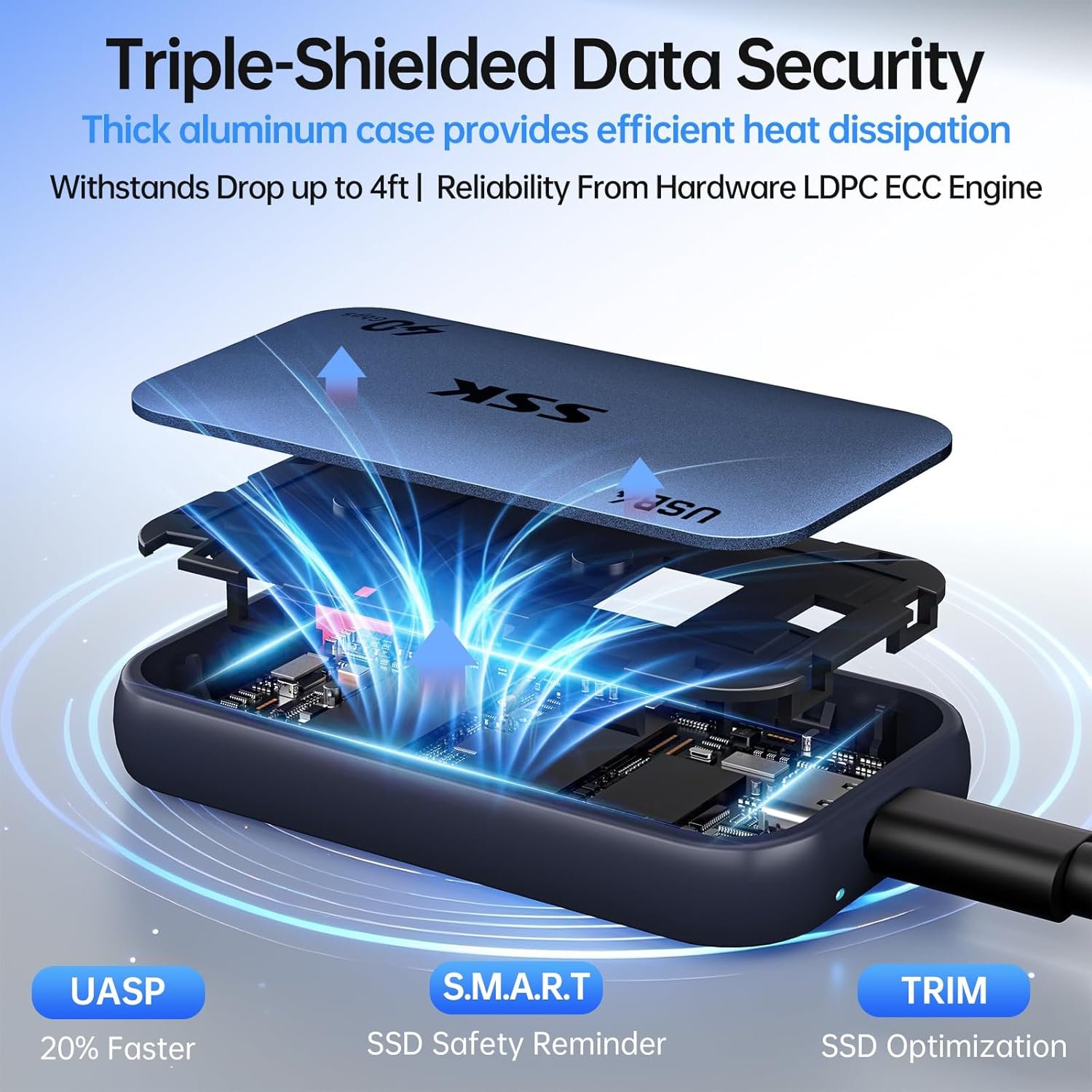
Professional-Grade Protection: External solid state drives built tough to resist shocks and drops. Keeps your data safe with S.M.A.R.T. checking, adaptive TRIM optimization, and LDPC ECC error correction
LED Indicator: Real-time activity light helps prevent accidental disconnections and data loss. Always eject USB4 SSD safely—never unplug SSD during transfers









Reviews
There are no reviews yet.